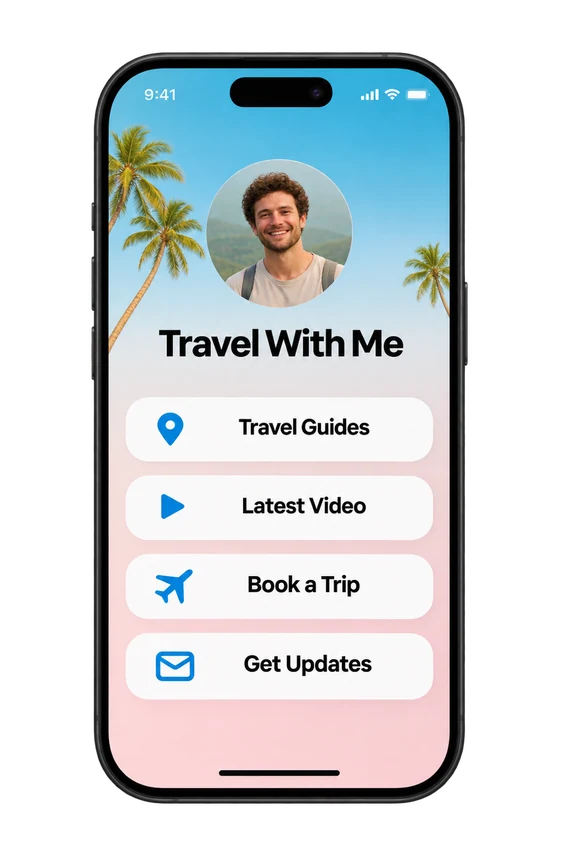
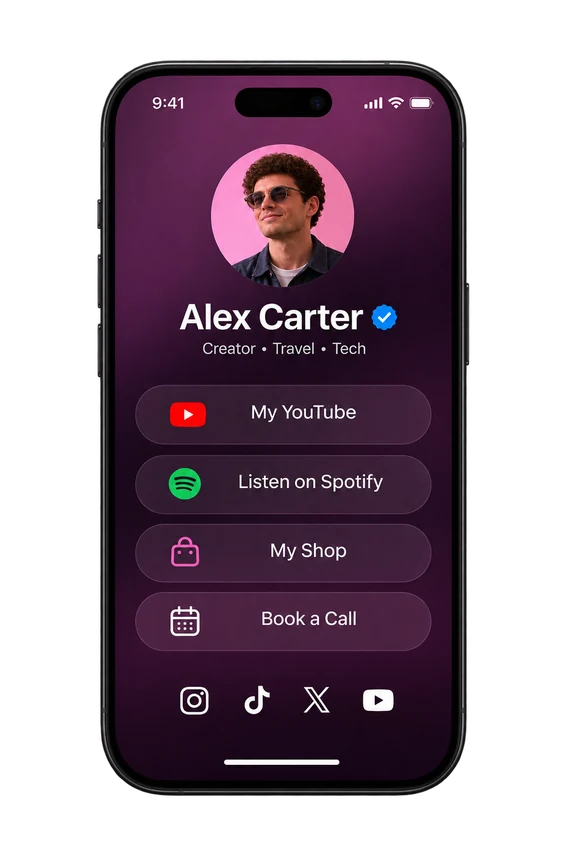
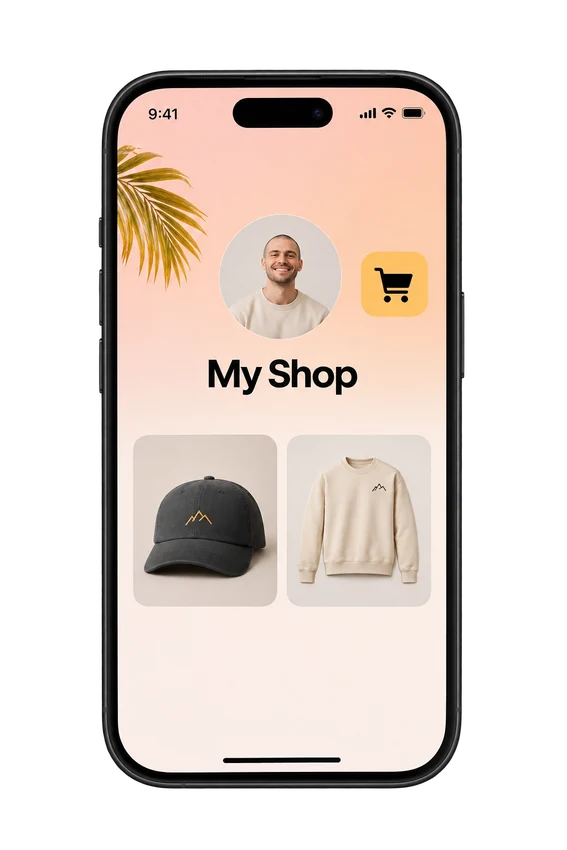
A page for every project
Keep your links, media, and latest updates organized in one place.
Bring your social profiles, supported media, and favorite destinations together on one page.

Create, customize, and grow your online presence with powerful tools
designed for creators, businesses, and brands of any size.
Keep your links, media, and latest updates organized in one place.

Add YouTube, Spotify, and Vimeo players alongside links to other destinations.

Customize your page design and arrange content to fit your style.

See clicks, views, and audience insights with clean, easy analytics.

Get a unique QR code for your page and grow your audience offline too.

Share your website, shop, booking platform, and other external destinations.
Compare Free, Pro and Creator Essentials. Available checkout uses Paddle; paid access starts after subscription confirmation.
All the essentials to get started.
$0/month
 Links, media and newsletter signupEmbed music & videosAdd a mapBasic statisticsCustom page designUnlimited pages
Scheduling, collections and recorded analytics.
$1/month
Everything in Free Schedule links
 Collections
 Recorded analytics250 MB of media
Pro tools plus the Creator Essentials pack.
$2.49/month
Everything in Pro Auto translation
 Verified creator badge
 Calendar and bookings
See page views and destination click totals in one place. Use these activity signals to understand which links visitors choose.
The dashboard graphic uses illustrative sample data. Live analytics report page views and destination clicks.
Start free

 Earnings
 Engagement
 Audience by Location

 United States %
 United Kingdom %
 Canada %
 Australia %
Everything you need to know about bringing your world together in one link.
A link in bio is a single URL that takes visitors to a page containing the destinations you want to share. Instead of changing your social profile every time you publish something new, you can update the links on your page.
Use that one address to guide people to your content, music, portfolio, shop, or other places online. It gives visitors a clear starting point and lets you organize your online presence in one place.
A link-in-bio page can be useful for creators, artists, freelancers, small businesses, and anyone who shares more than one thing online. A musician might bring together releases and videos, while a photographer might share a portfolio and contact details.
A business can point visitors toward its website, location, and current offers. Choose the destinations that matter to your audience and arrange them so the next step is easy to find.
Free accounts can create and publish pages. Pro adds features such as detailed analytics, scheduled or protected content and footer removal. Creator Essentials adds contact forms, bookings and translation features. Current prices and available checkout options are shown on the pricing page; paid access follows a confirmed subscription.
Choose from 42 content types including links, images, text, collections, contact forms and newsletter forms. Link to 64 social destinations. Supported YouTube, Vimeo and Spotify URLs play inline; other destinations stay links. Social destinations do not connect or import accounts through OAuth.
Edit your header, wallpaper, buttons, typography, colors and footer. Preview your saved draft before publishing.
A single link-in-bio URL can be shared wherever you can place a link, such as a social profile, a message, or an email signature. That gives visitors from different places the same central destination.
You can also share your page offline using its QR code, as described in the features above. Check each platform's own rules and available profile fields when deciding where to put your link.
Yes. Open Analytics in your dashboard to see recorded page views and link clicks for the selected page. The homepage charts are illustrative examples, not live account data.
Free includes page creation, publishing and native newsletter signup. Pro adds detailed analytics, scheduled or protected content and footer removal. Paid features require the matching active subscription.
Creator Essentials includes contact forms, bookings, translated pages and a verified badge. Automatic translation is available when its service is configured. Check pricing and subscription settings for current availability.
Start with the destination your audience is most likely to need, such as your latest work, a booking page, or your main website. Give each link a specific label that makes the result clear, and group related destinations when that helps visitors navigate.
Keep your page current as your priorities change, and use the available statistics to understand what people interact with. A thoughtful order makes one link easier for visitors to explore.
Custom domains are not available. Publish and share your seel.ink page address instead.
Add and organize destinations within your page content limits. Edit your private draft and publish when ready.
Creator Essentials lets you add native contact forms and manage saved responses in Forms. Native newsletter signup and manual contact export are available in Audience. A contact submission does not subscribe someone to marketing email.
Yes. Edit your private draft and publish again when you want the changes to appear on your public page.
Choose your username and start building during onboarding, create your account when prompted, then edit and publish your page.
Your ideas deserve a place of their own. Bring your world together, and share it with one link.
Your next chapter starts here.