 seel.ink journal
How to add multiple links to your Instagram bio
Add Instagram’s native profile links or organize destinations on one link-in-bio page. Follow the setup, labeling and mobile testing checklist.
 Ask AI

Explore this article with






A useful starting point
The essentials
- Instagram supports multiple native profile links, so a separate link page is a choice rather than a prerequisite. Use native links for a short, stable set of destinations and a hosted page when visitors need more explanation or organization.
- Plan the first destination around the promise in your current content. Someone following a tutorial or product mention should recognize the matching link immediately, without having to interpret a vague button or search through unrelated offers.
- Publish and test your destination before pasting its address into Instagram. A saved editor draft is not the public page; check the final link from a logged-out browser and then repeat the journey inside the social app.
- Write labels that explain what happens after the tap, and review the order on a narrow screen. Grouping related material can help, but the most useful improvement is often removing expired links and giving current work room to stand out.
- Judge performance using the events you can actually observe. A profile visit, a link-page view and a destination click are different steps; none proves a purchase or signup unless the destination records that completed action separately.
You can use Instagram links or one organized landing page
You do not need a link-in-bio service just to add more than one destination to Instagram. Meta announced support for up to five links in an Instagram profile. For a short, stable list, that may be everything you need. A separate landing page becomes useful when your destinations need explanation, a recognizable visual identity or an order you can manage across several social platforms.
Start with your audience rather than the tool. Someone opening your profile after a recipe video is looking for that recipe. Someone reviewing your work may need a portfolio and an enquiry route. List those visitor needs before deciding how many links to publish. Filling every available slot is not an objective in itself.
You can also combine the two approaches: use a direct link for a current campaign and another for a broader resource page. Give each a distinct purpose. Two links with similar names that lead to overlapping lists make the visitor do extra work. If you only need to send everyone to one current destination, linking there directly is a reasonable choice.
Add multiple links through Edit profile
Use the Instagram app and open your own profile. The precise wording and location of controls can vary by app version and account, so treat the following as a route to the relevant settings rather than a promise that every screen looks identical. Look for the profile’s links controls, not just the editable biography text.
- Open your profile and choose Edit profile.
- Find Links, then the option to add an external link.
- Paste the full destination address, including https://.
- Add a clear title where the interface offers one.
- Save the link and repeat for the other destinations, within the available limit.
- Review the order using the controls available in your app, then return to the public profile.
Open the saved links as a visitor. Do not stop at seeing the address inside the edit screen. Check that the intended page opens, that its content is public and that the destination does not immediately ask for an administrator login. If you are sharing a document, verify its sharing permissions separately. An address can be syntactically correct while the resource behind it remains private.
Use descriptive titles such as “Book a portrait session” or “Download the materials list.” A title should explain what opens, not merely repeat the brand name. Keep the most relevant destination easy to recognize when the profile presents its links.
Choose a small set of destinations that earn their place
A profile is an introduction, not a filing cabinet. Begin with the reason someone is most likely to visit today, then include a few durable destinations. A working photographer might prioritize booking, selected work and session information. An educator might prioritize the latest lesson, a resource library and newsletter signup. These are example structures, not required templates.
Write an inventory with four columns: visitor need, destination URL, link label and review date. The review date is especially helpful for launches, event tickets and temporary offers. If you cannot explain the visitor need a link serves, leave it out of the initial page. You can add it later when there is a clearer reason.
- Current promise: the resource mentioned in recent content.
- Core offer: your service, shop or booking destination.
- Useful proof: selected work or a relevant explanation.
- Ongoing relationship: a newsletter or other appropriate follow-up route.
Do not give an archive the same prominence as a live campaign merely because it has existed longer. Equally, avoid hiding essential details such as the price or location of an event behind an unrelated signup. Make the immediate next step understandable before asking for commitment.
If a single organized page fits this inventory better than several native links, bring your essential destinations together on seel.ink.
Build a landing page that continues the profile’s promise
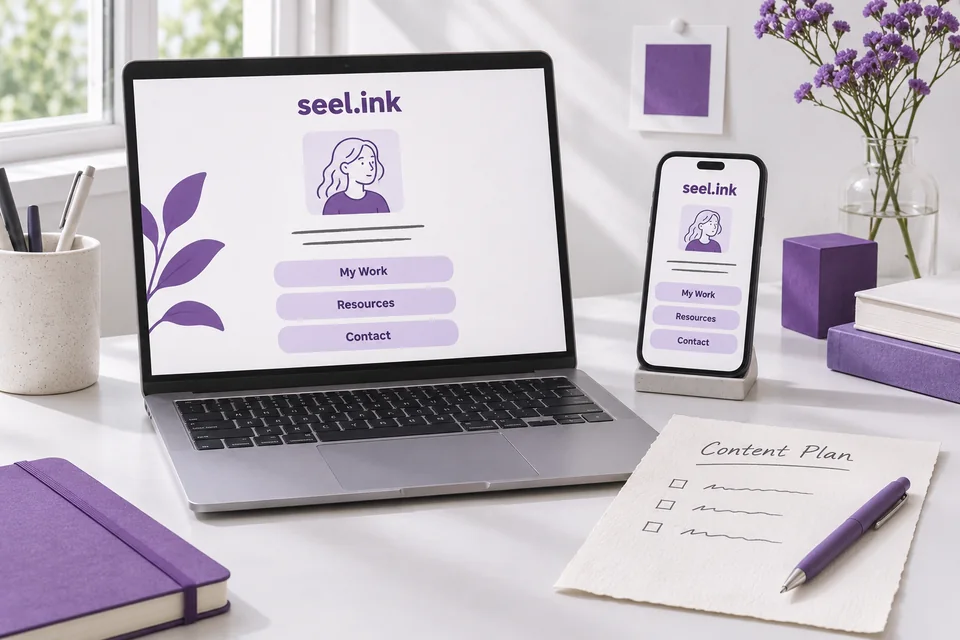
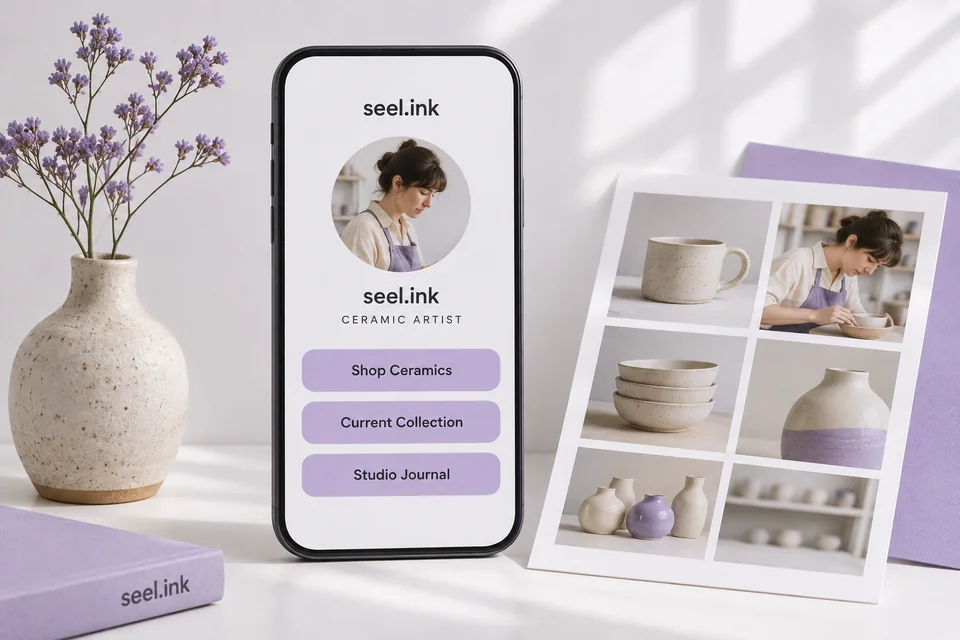
A good landing page should feel like a continuation of the account someone just visited. Use a recognizable name and portrait or logo, then a brief sentence explaining what you do. Avoid a long introduction that pushes every useful action off the first screen. The visitor has already chosen to learn more; help them complete that intention.
Add links in priority order. If several posts refer to different resources, use specific labels that remain understandable without the post beside them. “Watercolor brush guide” is easier to match with a video than “New resource.” You can group older resources lower down while keeping the current offer near the top.
On seel.ink, Free includes page publishing and native newsletter signup. Advanced capabilities such as detailed recorded analytics require eligible paid access. You do not need to add a paid feature to create a useful first version. A clear introduction and a few tested destinations are enough to establish the page’s purpose.
Once published, copy the public page URL into one of Instagram’s external-link fields using the process above. Copy the public address rather than an editor or dashboard URL. Open it in a logged-out browser first; that catches a common mistake before visitors encounter it.
Write bio text and link labels that work together
Your bio can introduce the reason to open the links, while the link title identifies the destination. They do not need to repeat the same sentence. A cooking account could explain “Weeknight meals with a short shopping list” in the bio and label the destination “This week’s recipes.” That creates a coherent path from identity to action.
Use verbs when the action matters: read, listen, book, browse or download. Be honest about any condition. A free checklist that requires an email address should explain the signup before the visitor reaches a form. If a link opens an external shop, name the shop or what people can buy there.
Avoid labels whose meaning disappears after the campaign ends. “Today only” should be removed when it is no longer true. “The link you asked for” becomes confusing once several posts make different promises. Specific nouns make older content easier to use and reduce the need to keep rewriting your profile.
Read the profile bio and first three link labels aloud as one visitor journey. If the connection is unclear, refine the wording before adding decoration.
Test the whole journey on a phone
Previewing the page in a desktop editor does not establish how it feels from Instagram. Open your actual profile on a phone, tap the saved link and inspect the destination in the browsing context Instagram provides. Try the most important action before reviewing secondary details. That is the path your audience will use.
- Can you recognize the account and page immediately?
- Is the promised resource visible without searching through unrelated links?
- Can you read the text and distinguish the buttons comfortably?
- Do images load without covering or delaying the main action?
- Does the destination work without your existing login?
- Can you return to the page after opening a destination?
Test on a narrow screen and with larger text settings if possible. Long button titles should wrap cleanly rather than cut off the important words. A portrait should not crowd the primary action. If several buttons look equally prominent, simplify the page until the priority is evident.
Ask another person to locate a named resource without telling them where it is. Their hesitation can reveal a labeling problem that is invisible to you because you already know the page. This is a small usability check, not a claim about conversion performance.
Fix common problems and review what people choose
If a link is visible but does not open, first check where it was entered. Plain biography text and the profile’s link fields are different things. Reopen Edit profile, inspect the saved URL for missing characters or spaces and save again. If the app rejects a destination, review its notice and current help guidance rather than trying to disguise the address.
If the page opens but a particular button fails, test that destination directly. Look for expired event pages, private documents, changed shop URLs or a login wall. Fix the original destination before changing unrelated profile settings. Keep a copy of the working link inventory so you can compare what changed.
Where your plan provides analytics, review page visits and destination clicks alongside the questions people send you. Clicks indicate interest in a destination; they do not establish purchases, completed bookings or unique customers. Use the destination service’s own reports for those outcomes. If a low-priority link gets little attention, it may simply be serving a small audience rather than performing badly.
Review the page when a campaign changes and on a regular schedule you can maintain. Replace expired offers, keep useful older resources accessible and update the first action to match what recent posts promise. When you are ready, organize those destinations into one stable profile link.
A few more details
Your questions, answered
How many links can I add to my Instagram bio?
Meta announced support for up to five profile links. The controls available in your current Instagram app are the practical guide for your account.
Do I need a link-in-bio tool to add multiple Instagram links?
No. Native profile links may cover a short list. A separate page is useful when you want more context, a recognizable layout or one destination shared across social platforms.
Where do I add an external link?
Open your profile, choose Edit profile and look for Links or the external-link control. Add the complete URL, save it and test from the public profile. Wording can vary by app version.
Why is the URL in my bio not clickable?
Check whether it was entered as plain biography text rather than through the profile’s link controls. Also verify the saved address and any account notice shown by Instagram.
Should my first link be my shop or my resource page?
Choose the destination that matches the main promise of your recent content. A direct shop link can suit a specific product campaign; a resource page can help people choose among distinct needs.
Can I make the landing page free on seel.ink?
Yes. Free supports page creation, publishing and native newsletter signup. Detailed recorded analytics and other advanced features depend on eligible paid access.
One page. A clearer next step.
Bring your links together, shape the page around your work, and publish when you are ready.
Create your free link in bioSources and editorial notes
Reviewed 17 November 2026. Platform features and eligibility can change. This journal is published by seel.ink; comparisons describe our own product alongside alternatives.